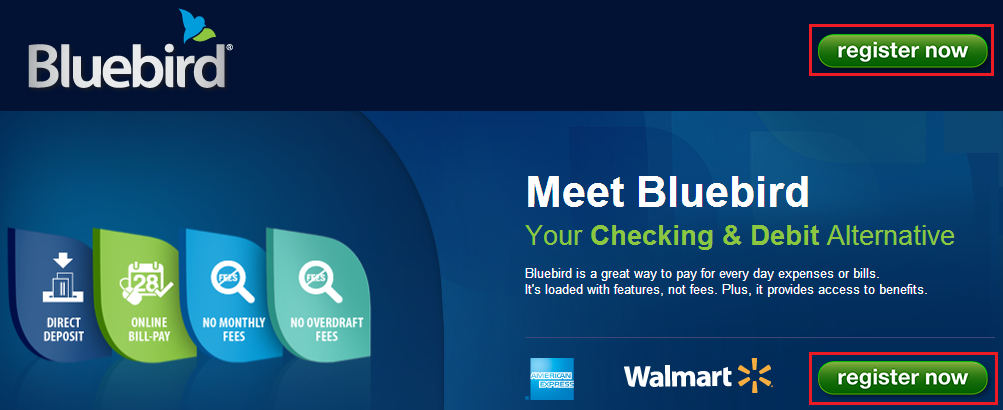
To order your free Bluebird Card, please click here and then click the Register Now button.
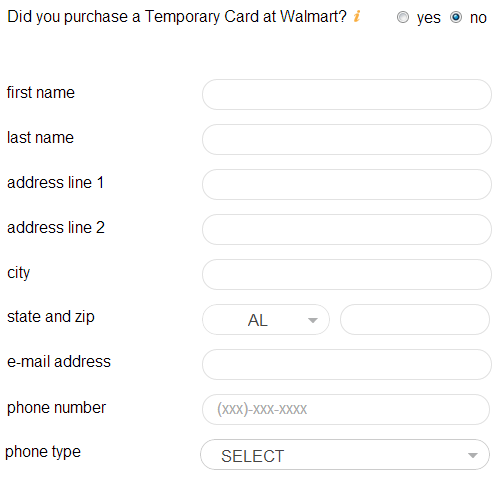
If you purchased a temporary Bluebird Card at Walmart, select yes and enter your temporary card number. This will transfer your temporary Bluebird balance to your permanent Bluebird card when it arrives.

If you did not purchase a temporary Bluebird Card at Walmart, select no and enter your name and mailing address.
Scroll to the bottom and check all three boxes, then click the Agree and Continue button.

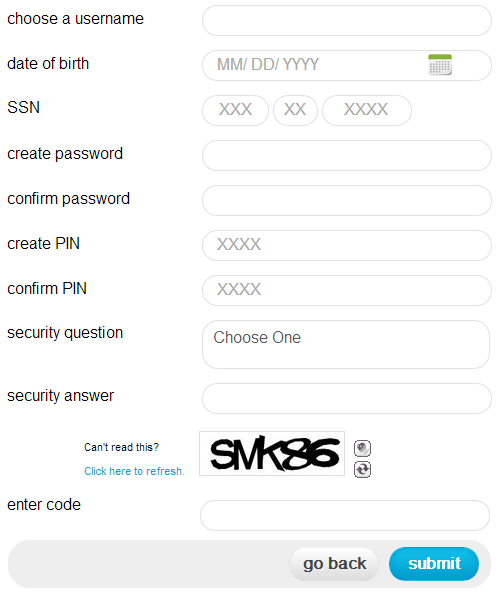
Create a username, enter your date of birth, social security number (not a hard pull, just a soft pull to verify your identity), create a password, a PIN, and a security question. Enter the captcha code and click the Submit button.
Congratulations on creating a Bluebird account. Please check your email for an email form Bluebird. You will need to click the link in the email to verify your email address.

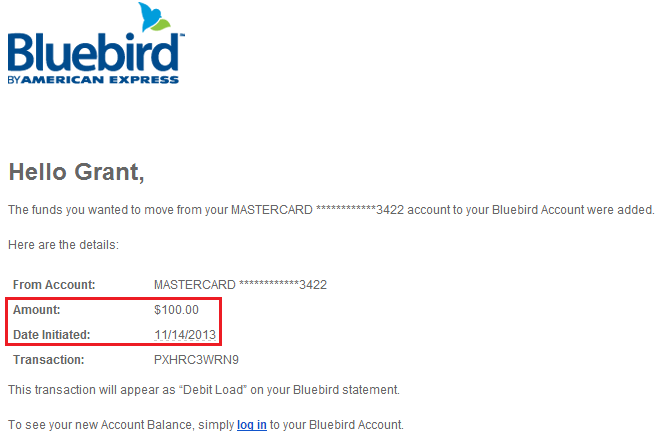
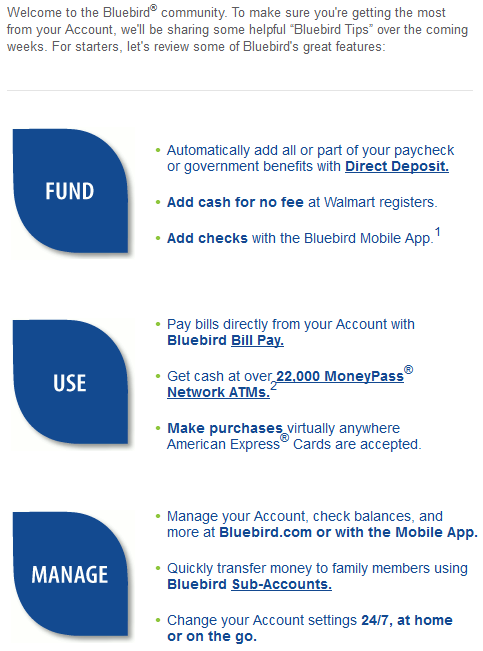
After that, you will see a welcome email from Bluebird. Here are some of the wonderful features that Bluebird offers.
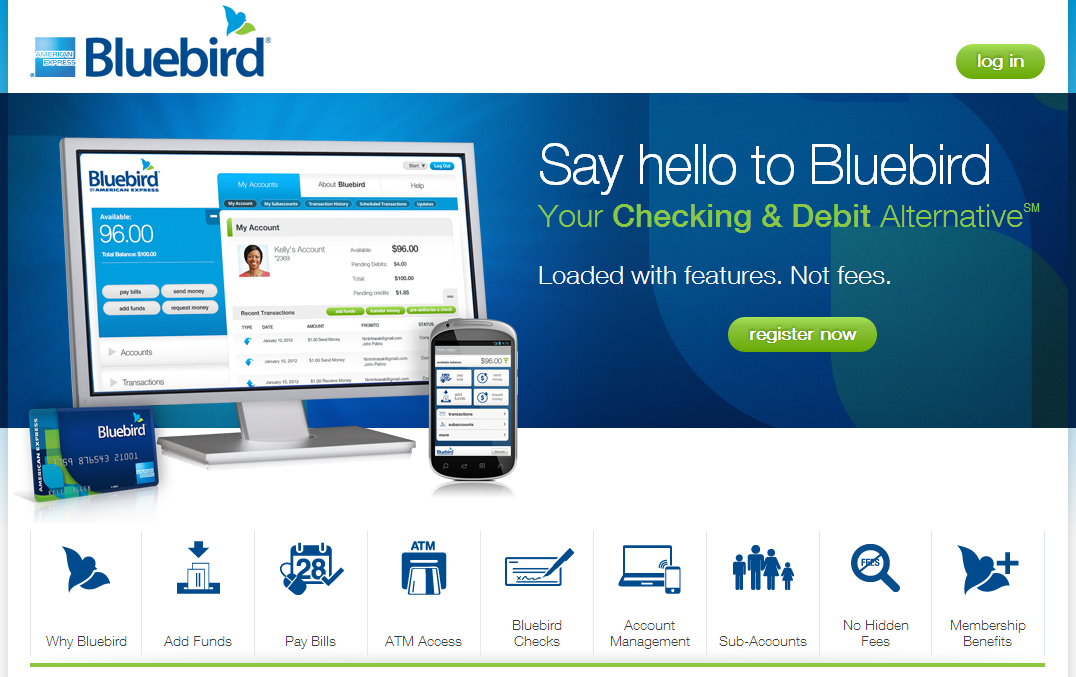
Now you can go to the Bluebird home page and log into your Bluebird account.
If you have any questions, please leave a comment below.