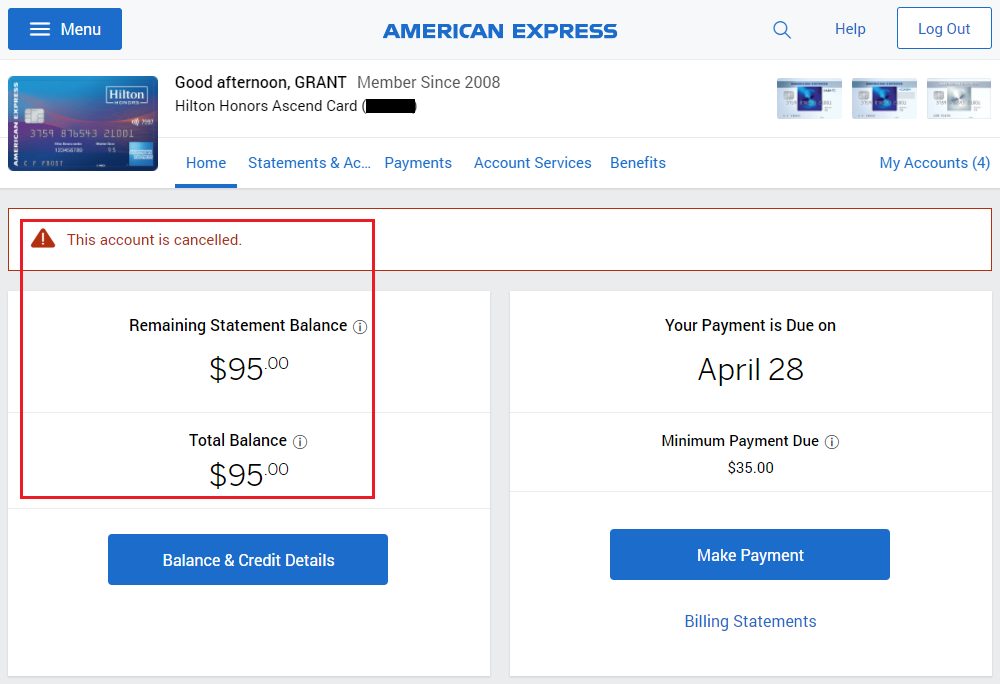
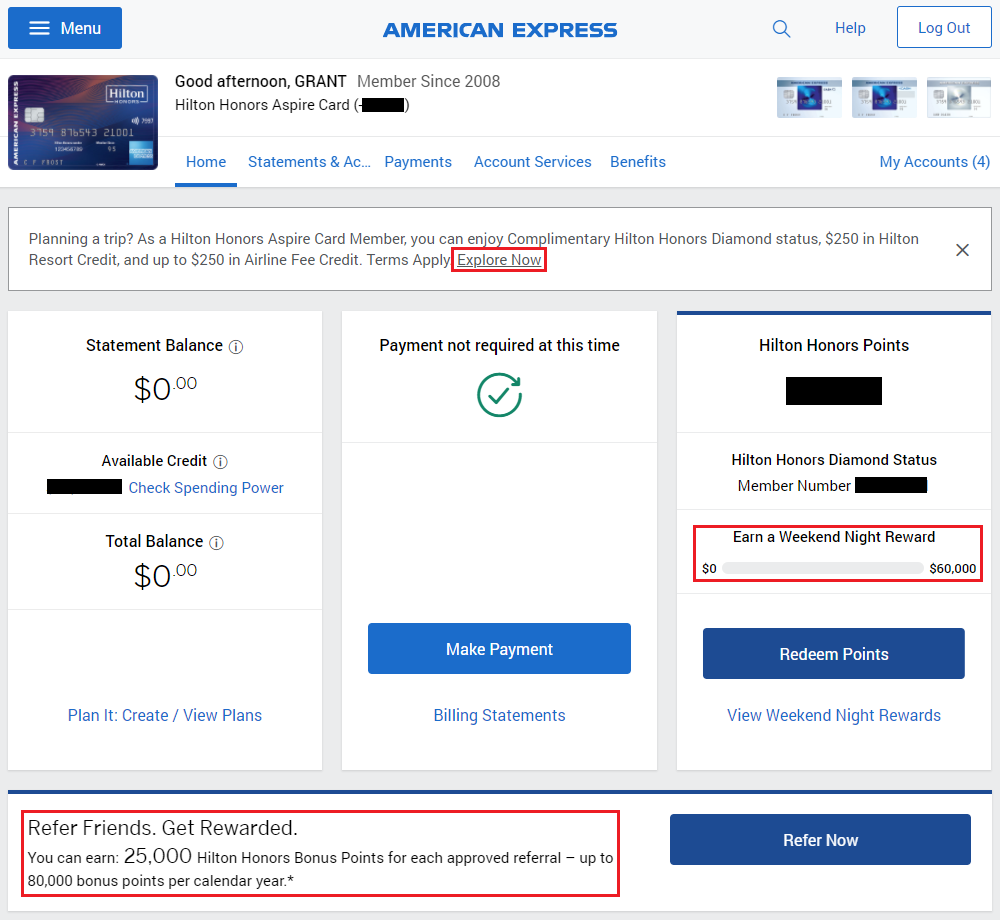
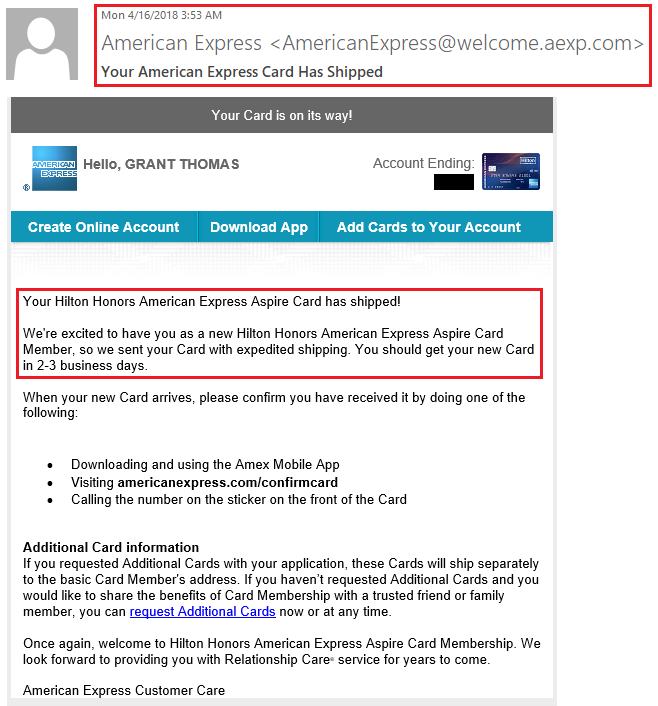
Good morning everyone, I hope you had a great weekend. During my recent App-O-Rama, I applied for the new American Express Hilton Honors Aspire Credit Card. Even though I didn’t get instantly approved, I received a call from American Express asking me if I wanted to close 2 existing American Express credit cards so that I could be approved for the new American Express Hilton Honors Aspire Credit Card. Long story short, I closed my existing American Express Hilton Honors Ascend Credit Card and American Express SPG Business Credit Card in order to be approved for the new American Express Hilton Honors Aspire Credit Card. The decision was pretty easy to make, considering both credit cards just had annual fees post and I didn’t want to keep those credit cards another year.
Fast forward to now and my closed American Express credit cards still show up in my online account. In this post, I will show you how to remove a closed American Express credit or charge card from your online account. This process will work for open credit / charge cards, personal and business cards, and authorized user cards. The first thing you need to do is log into your American Express online account.